What is Lyllic Sell?
Everything a local shop needs to sell, made in one go.
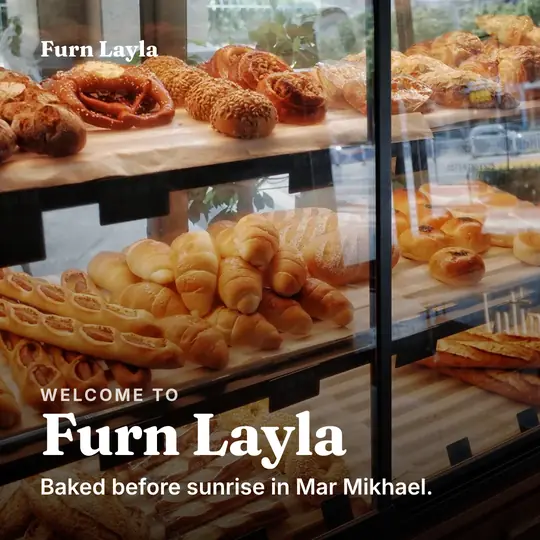
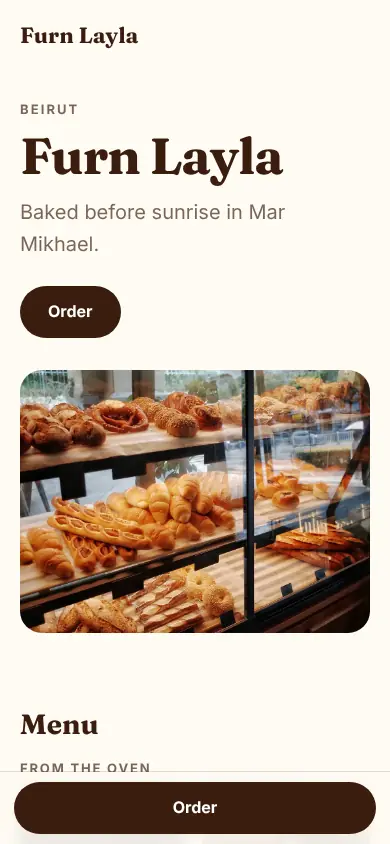
Lyllic Sell is a free tool that gives a local business a website, a printable menu, a flyer and social media posts that all match, made from one short form. The website lives at yourshop.lyllic.com and takes orders. It works in 11 languages, including Arabic, and you can change every piece in a visual editor.
- Price
- Free. No card, no trial.
- What you get
- A website, an A4 menu, an A5 flyer and three square posts
- Your address
- yourshop.lyllic.com
- Orders
- An order form on your website; orders arrive in your Orders tab
- Payment
- Arranged between you and your customer (no card payments yet)
- Designs
- Six, every one editable
- Languages
- 11, with Arabic and Urdu right to left
Online and on the counter
The same shop on the screen, the counter and the feed.
Your menu, flyer and posts come with your website, in the same colours, fonts and photos. Print them at home or at any print shop, or post them today.
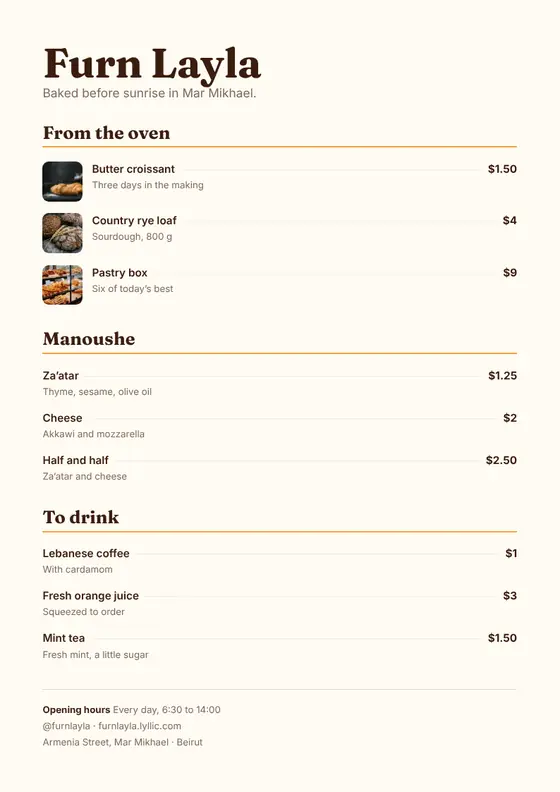
A4 menu
Every product and price, ready to print or save as a PDF. For the counter, the wall or the tables.
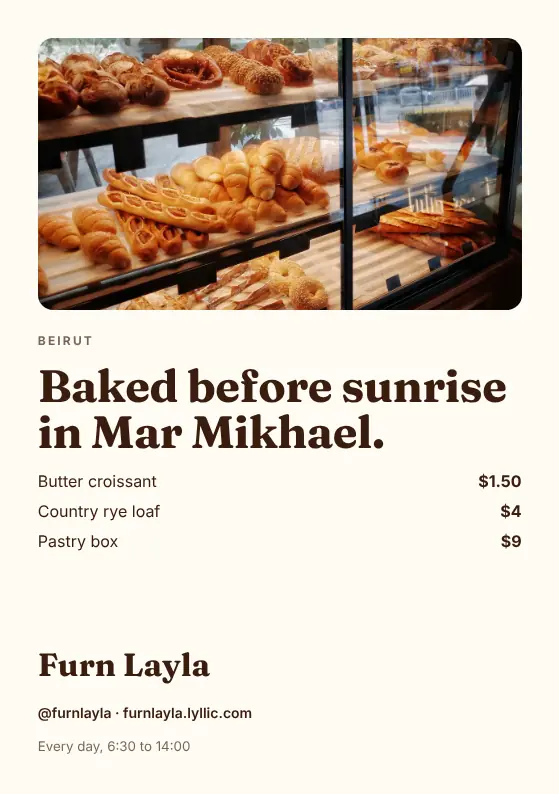
A5 flyer
Your best three products, your hours and your address, sized for a shop window or a bag.
Three posts
A welcome, a favourite and an order-now post, with captions, for Instagram, Facebook and WhatsApp status.
How it works
Three steps, about ten minutes.
-
Tell it about your shop
Your name, what you sell with prices, your hours and how to reach you. Add photos and a logo if you have them, or make a logo with the logo maker.
-
Pick a design
Six designs, each drawn from your own words and photos. Swap any photo, then change anything you like in the editor.
-
Go online and take orders
Choose your address, put the website online and share it. Orders come to you; print the menu and post the posts.
Orders
Orders come straight to you.
Customers pick what they want on your website and send it with their name and phone. The order lands in your Orders tab, and your phone can tell you right away. You confirm it and settle payment your way: cash, card at pick-up or a transfer.
- New
- Confirmed
- Ready
- Done
Every order moves through four steps you set with one tap.
Designs
Six designs. Your shop in every one.
Each design draws your whole kit from your words and photos: the website, the menu, the flyer and the posts. Switch any time; nothing you wrote is lost.
-
Souk
Warm and editorial: a big name, large photos, a card for every product.
Start with Souk -
Noir
Dark and bold: a full photo up top, big type, prices that stand out.
Start with Noir -
Pastel
Light and friendly: soft colour, round cards. Made for sweets and salons.
Start with Pastel -
Boutique
Classic and elegant: thin lines, a printed-menu look, small round photos.
Start with Boutique -
Link
One column of big buttons, like a link in bio. Quick on a phone.
Start with Link -
Atelier
Photo first: a mosaic of your pictures, little text, big images.
Start with Atelier
Made for
For the shops that make a street.
If you sell something, Sell gives you a place to show it and a way to order it.
-

Restaurants and cafés
Your menu online with prices, a printed A4 menu for the tables, and an order form for pick-up or delivery.
-
Bakeries and sweet shops
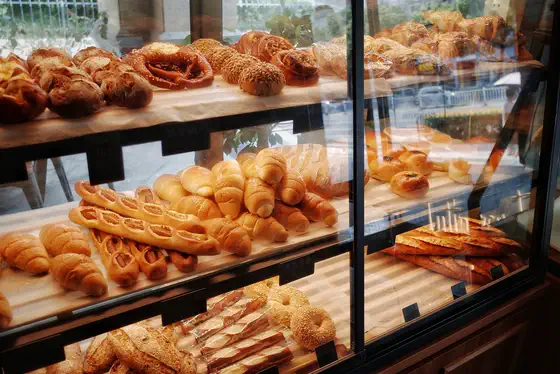
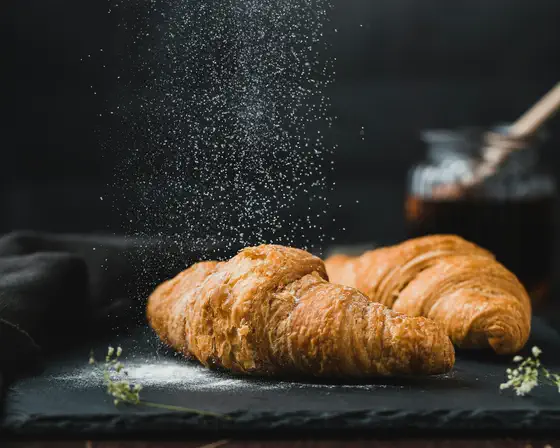
Show today’s bakes with photos, take orders for parties and boxes, and slip a flyer into every bag.
-
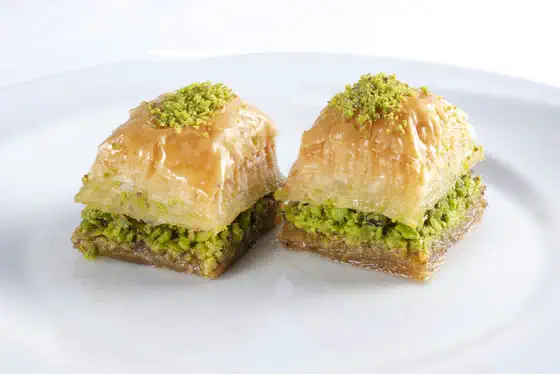
Home businesses and Instagram sellers
Turn your bio link into a real shop page: products, prices, your story and an order form customers can use at midnight.
-
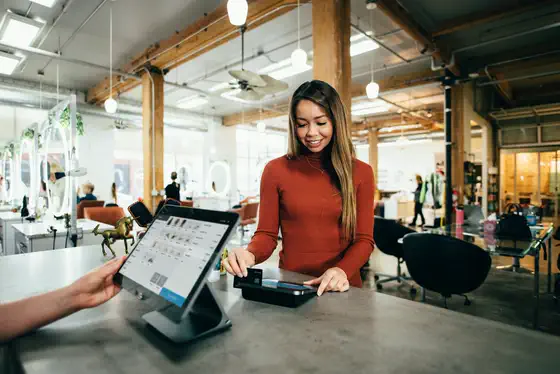
Salons and barbers
Your services and prices in one place, with your hours, your address and a button to call or message you.
-
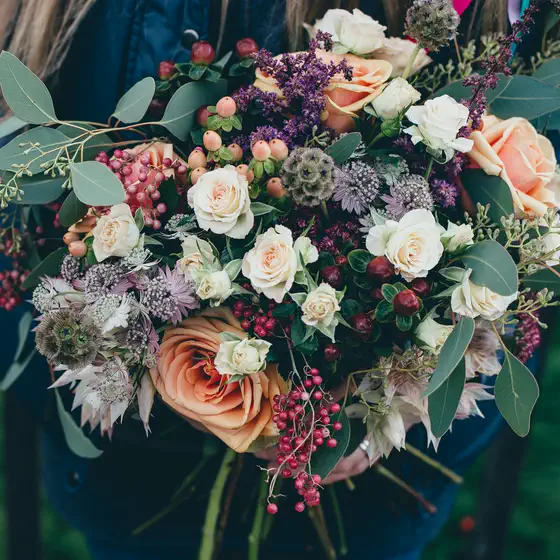
Florists and makers
Bouquets, candles, soap or ceramics, with big photos and an order form for gifts and events.
-
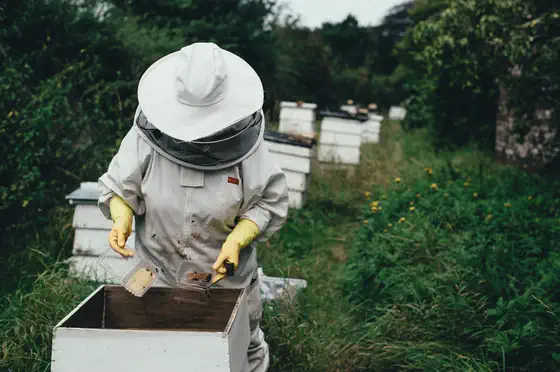
Farms and producers
Honey, olive oil, cheese or wine: tell your story, list your jars and bottles, and take orders for delivery days.
Languages
In your customers’ language. Right to left too.
Write your shop in any of 11 languages. Arabic and Urdu read right to left, with fonts drawn for them, on the website and on paper.
- العربية
- English
- Français
- Español
- Português
- हिन्दी
- Bahasa Indonesia
- Türkçe
- اردو
- Deutsch
- Italiano
Pricing
Free. All of it.
Every design, every piece, every shopNo card, no trial that runs out.
- A website at yourshop.lyllic.com
- An order form and an Orders tab
- An A4 menu, an A5 flyer and three posts
- Six designs and the full editor
- 11 languages, right to left included
- Up to 12 shops on one account
AI tools may come later, as an option.
Questions
Straight answers.
Is Lyllic Sell really free?
Yes. The website, your address, the order form, the menu, the flyer, the posts, all six designs and the editor cost nothing. You don’t need a card.
Do I need a domain or hosting?
No. Your website lives at yourshop.lyllic.com as soon as you put it online. There is nothing to buy and nothing to install.
Can customers pay online?
Not yet. Customers send an order with their name and phone; you confirm it and arrange payment your way, in cash, at pick-up or by transfer.
Can I print the menu and the flyer?
Yes. The menu is A4 and the flyer A5, ready to print at home or at any print shop, or to save as a PDF.
Does it work in Arabic?
Yes. Sell works in 11 languages, and Arabic and Urdu pages read right to left with fonts made for them.
Can I change the design later?
Any time. Switch between the six designs, swap the photos, or open the editor and change any text, colour, photo or section.
What do I need to start?
Your shop’s name, what you sell with prices, and a few photos if you have them. A logo helps; if you don’t have one, the logo maker can make one.
What happens if I take my website offline?
Your address stays yours for 30 days while the website is offline. Put it back online within that time and nothing changes.
Can I delete my shop?
Yes. Delete it and everything goes: the website, its orders and its photos, and the address is free again.
Who is Lyllic Sell for?
Any local business that sells something: restaurants, cafés, bakeries, salons, florists, home businesses, farms, makers and Instagram sellers.